Carot Designer / Practical course
Course information
About the A-to-Z vehicle design course
Porsche 911 · Crimson Shadow ↗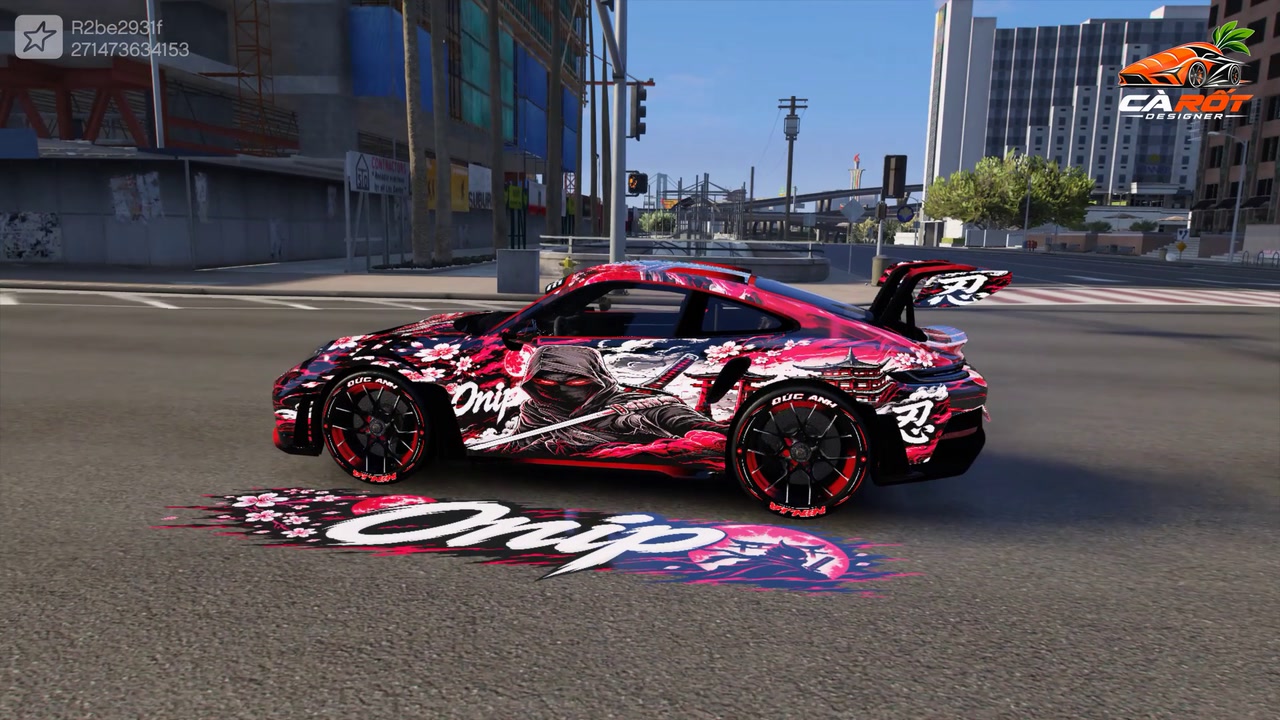
Course curriculum
Work through the full course, from basic techniques to advanced vehicle design and customisation.
Templates and liveries
- Draw a bodywork template
- Design a standard livery
- Design a two-layer livery
- Create animated GIF liveries
- Design window decals
- Design seat decals
- Switch between two or three liveries
Lighting and LED effects
- Make wheels glow
- Animate body lights
- Animate wheel lights
- Animate interior lights
- Switch between LED patterns
- Activate lights with the E key
Bodywork and accessories
- Swap wheels
- Create licence plates
- Fit support legs
- Add decorative keychains
- Fit widebody kits, spoilers and accessories
- Fit a cargo body to a truck
- Repair the chassis model
Cabin and sound
- Add seating positions
- Display an image on the in-car monitor
- Change the exhaust sound
3D animation
- Animate a 3D model
- Create a rotating 3D element beneath the vehicle
Handling and in-game features
- Tune vehicle handling
- Toggle in-game bullet resistance
- Configure dirt, scratch and dent resistance
- Configure rollover resistance
- Adjust entry and exit speed
- Set up automatic seat belts
Learning with Carot Designer
Feedback and timing
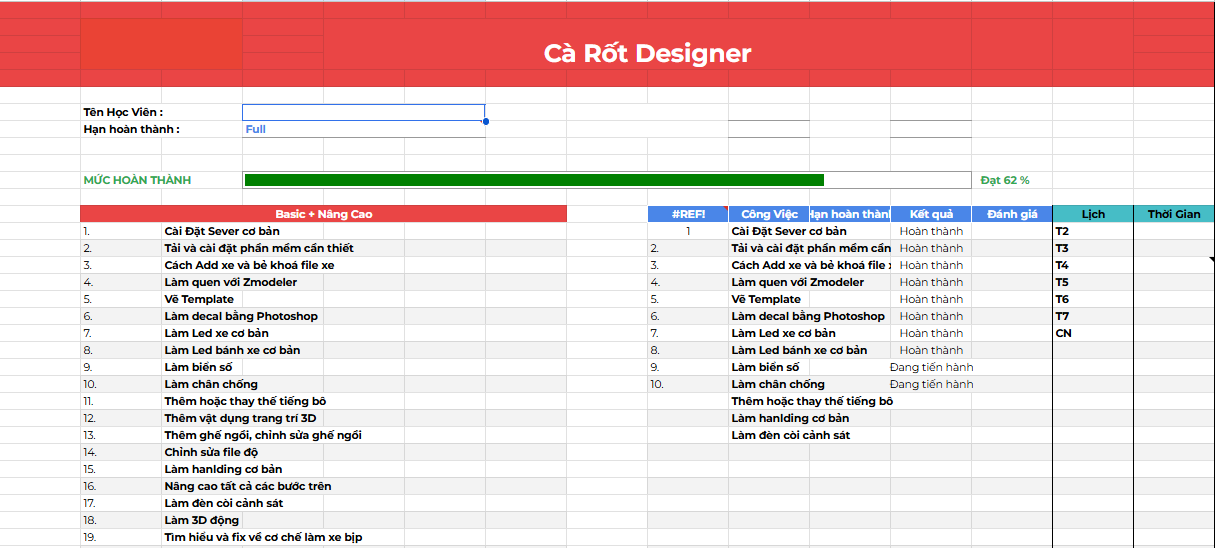
I review each practical task and record feedback on your progress sheet so you can see what you’ve mastered and what to practise next. The time it takes to finish depends on your pace.
Using AI on larger projects
Over years of building vehicles, I’ve developed shortcuts for repetitive tasks. I’ll show you how to combine those techniques with AI and check the results in game. In my own work, some tasks now run 5–10 times faster, which is especially useful when working on several vehicles at once.
Which vehicle would you like to build?
Tell me about your experience and the vehicle you want to build. We’ll discuss where to start and a pace that works for you.